Make an app.
Just ask.
One line is all it takes. No design brief, no stack to choose, no spec to write — Pocket Opus makes those decisions for you.
That's the only thing you type.
Ten decisions you
don't have to make.
Most app builders need a brief. Pocket Opus needs a sentence.
- ×The tech stack
- ×Which libraries to use
- ×The layout on every screen
- ×Colour palette and dark mode
- ×Touch target sizes
- ×Empty, loading and error states
- ×Accessibility and screen readers
- ×Where the data is stored
- ×How to export it
- ×What happens offline
“Make me a habit tracker.”
That's the whole brief.
One app.
Endless possibilities.
Games, utilities, personal tools, creative experiments — make the little apps you've always wished existed.
Every app here is the prompt shown. Nothing else.
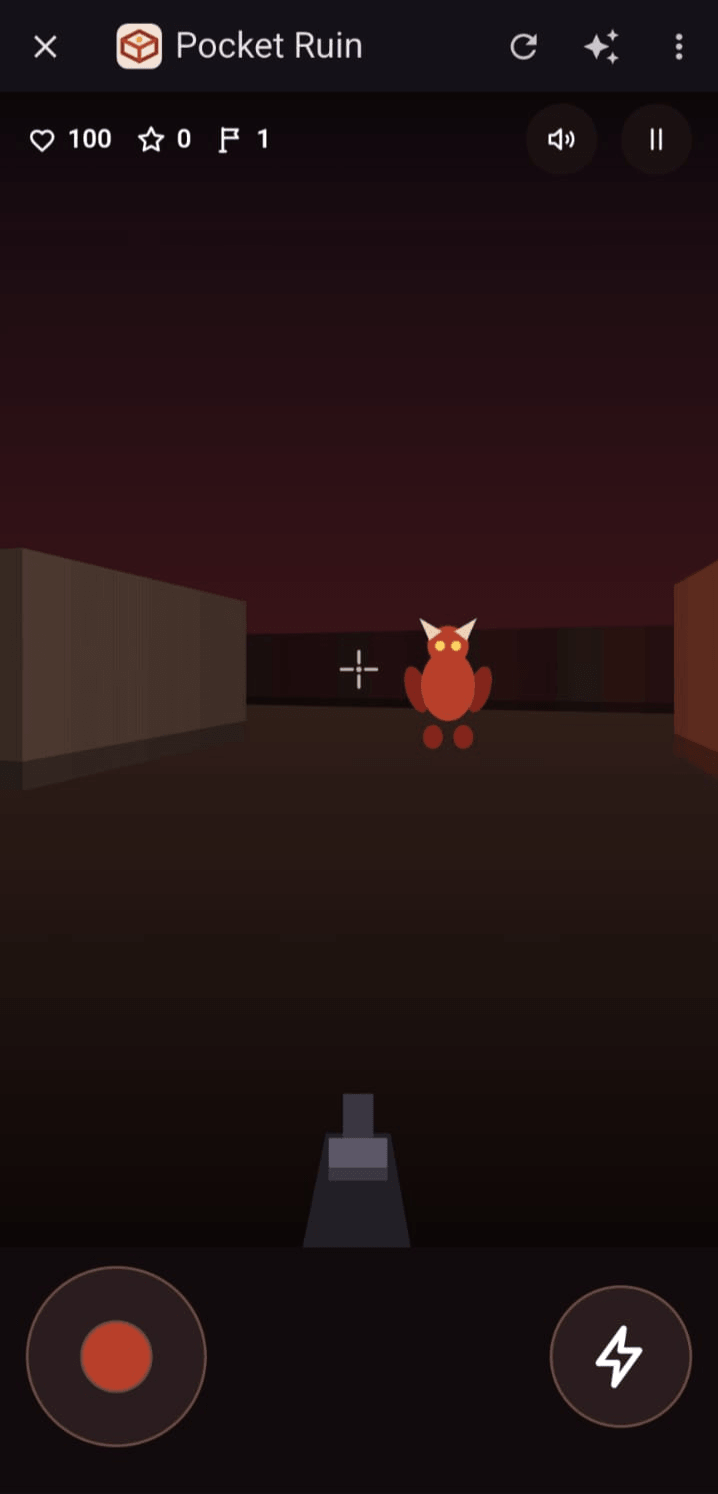
Pocket Ruin
A dungeon raider game.
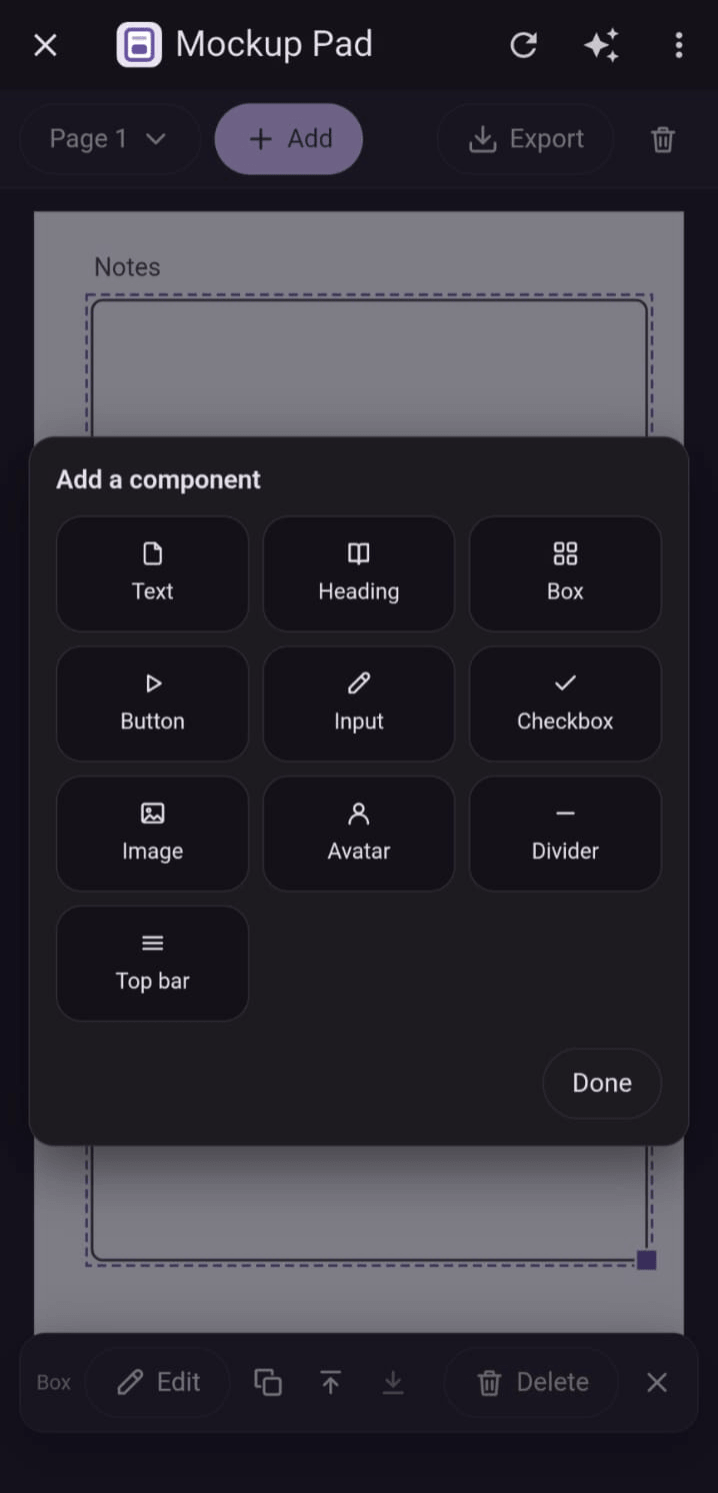
Mockup Pad
Wireframe app screens right on your phone.
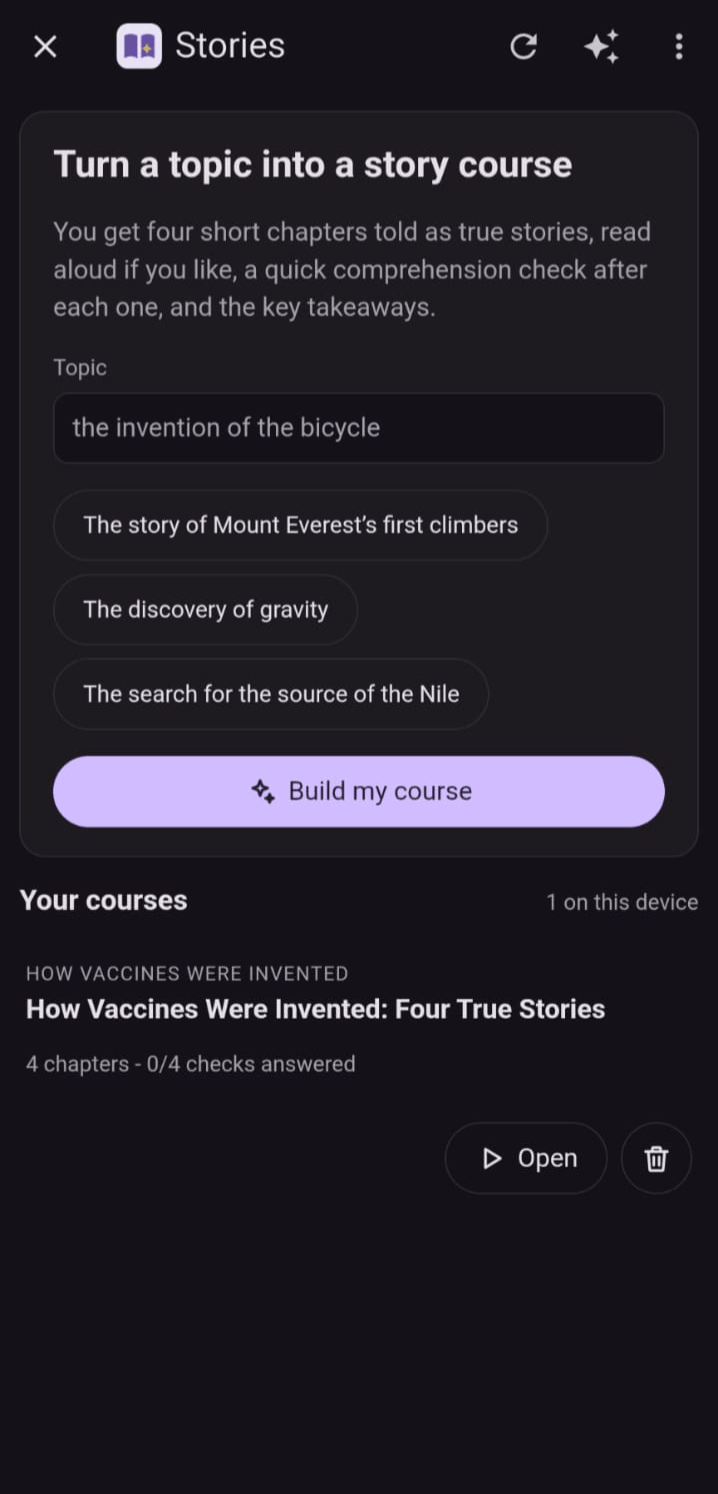
Stories
Turn any topic into a story course.
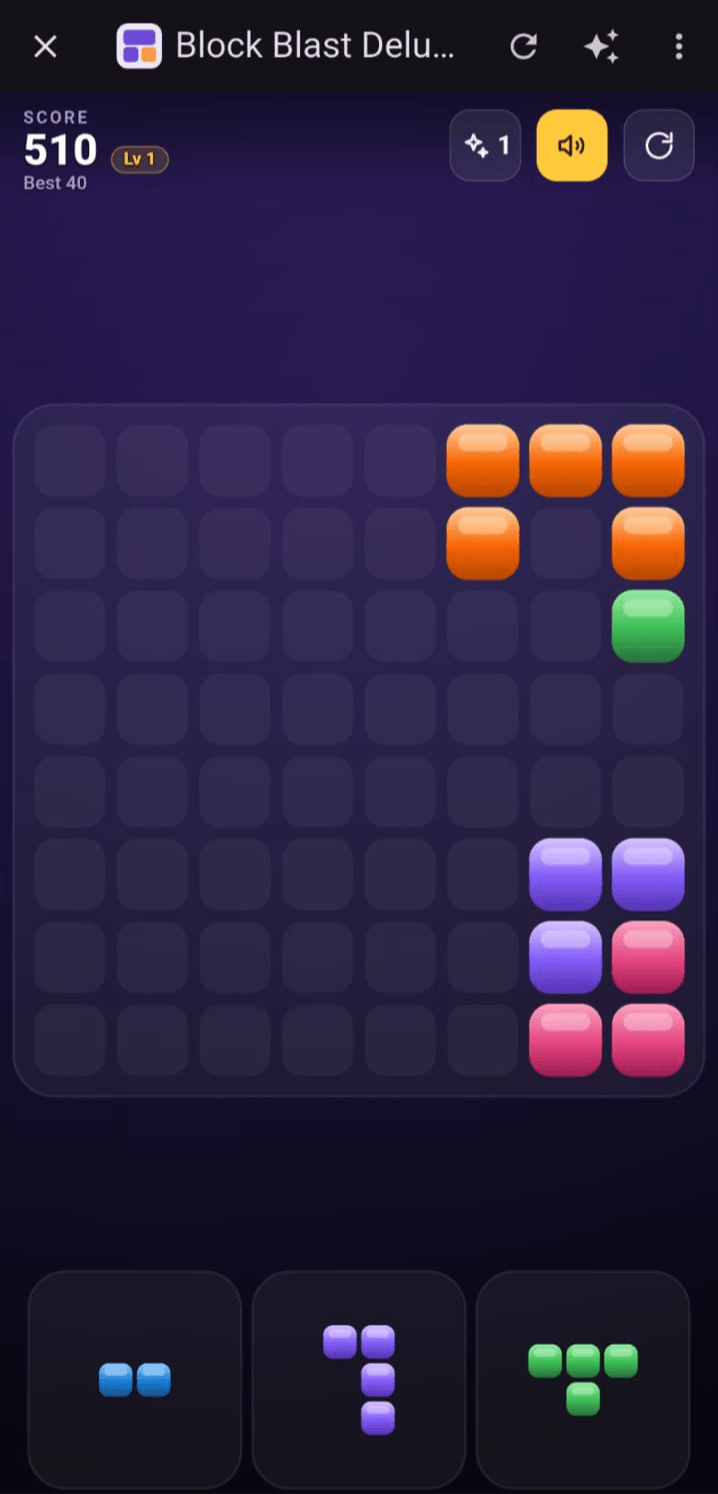
Block Blast Deluxe
A match-and-clear puzzle for spare minutes.
The same decisions behind every one of them — so they feel like one family instead of ten different experiments.
Built right the first time.
Then change it as often as you like.
You don't have to get the description perfect. The first build is already a real, working app — follow-ups are for when you want something different, not to fix what it missed.
Everything comes already handled.
The parts you'd normally have to think about are decided before you ever see the app — and everything it stores stays on your device.
The boring parts are already done
Responsive layout, dark mode, readable labels, sensible empty states — applied to every app without being asked. You never write a design spec.
It's already there
Opening an app doesn't download anything. The code lives on the device, so there's nothing to wait for.
Your data stays local
Entries, files and settings live in the app's own storage on the device. Nothing you enter is sent to us.
Take it with you
Export any app, or your whole library, whenever you want. Your work isn't locked inside this product.
What will you build first?
Join the waitlist and be among the first to try Pocket Opus.
Pocket Opus is coming soon to Google Play and the App Store. Opens a short Google Form in a new tab.